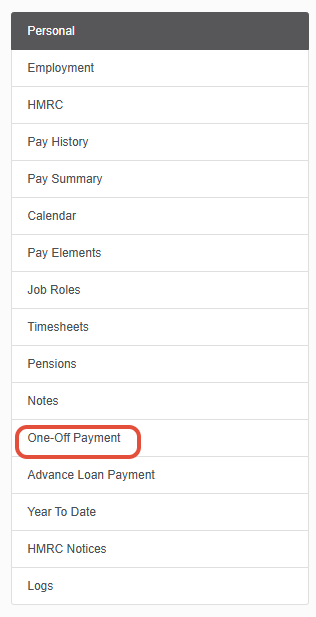
In the personal record of every staff member, active or leaver, you will see the “one off payment” tab on the left side of the employees profile, this can be used to run an individual pay run for each staff member.
You can make changes to an employee’s records including adjustments, via the pay elements tab and adding pay elements in any month past or future.
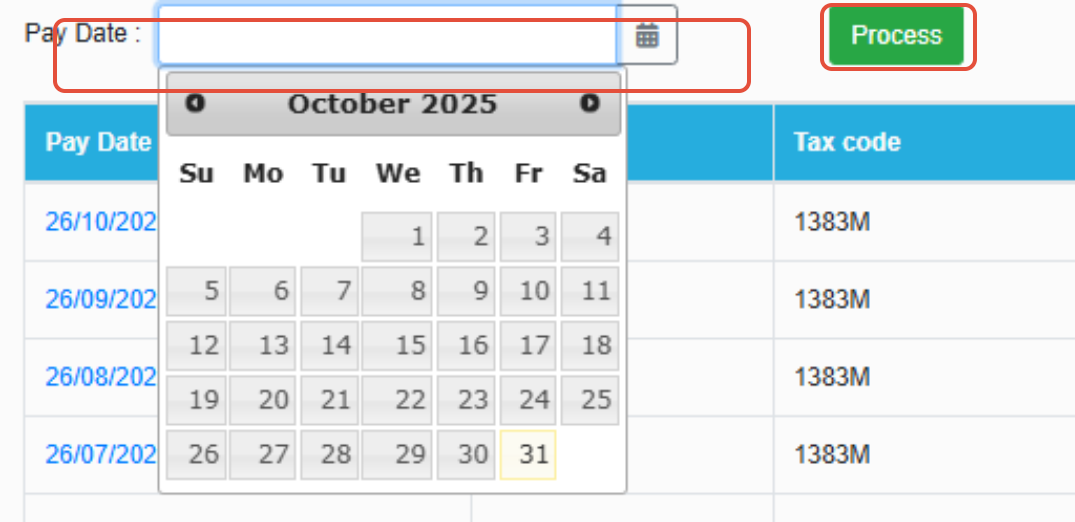
Then in the one off payment tab select a pay date, this can be a past, current or future month then click process. It will show the new pay as a dummy run for a particular month based on the new conditions.
A benefit of this is; for example a day of sickness is missed off last months pay, you can simply add the sickness to the calendar, run the one off payment for last month and see what they should have been paid- the difference between the figures is the under/overpayment.
Was this article helpful?
That’s Great!
Thank you for your feedback
Sorry! We couldn't be helpful
Thank you for your feedback
Feedback sent
We appreciate your effort and will try to fix the article